#ALERT: Unauthorized sellers on marketplace platforms are impersonating iShopChangi. Please purchase only from our official website, iSho...
Show More
More

- Home/
- Electronics/
- Cameras & Drones/
- Camera Tripods & Stabilizers/
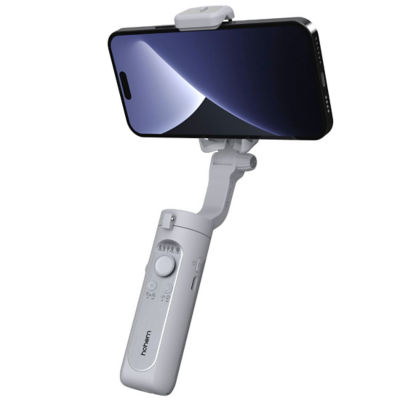
- Hohem iSteady XE 3-Axis Palm Smartphone Gimbal
PageMetaconfiguration


1
5




46% Off
HOHEM
Hohem iSteady XE 3-Axis Palm Smartphone Gimbal
Estimated CR Points:
Earn 60 Points
Shop 30 days to 72 hours before arrival, or up to 30 days after arrival in Singapore, and have your order delivered to your Singapore address. Please upload a copy of your boarding pass for verification before your order can be processed.
S$69.00
S$129.00
46% Off
Hohem iSteady XE 3-Axis Palm Smartphone Gimbal
Estimated CR Points:
Earn 60 Points
Available Offers
Available Offers
Quantity
Limited Availability
Shop 30 days to 72 hours before arrival, or up to 30 days after arrival in Singapore, and have your order delivered to your Singapore address. Please upload a copy of your boarding pass for verification before your order can be processed.
In-store Price Assurance
30 Days Refund*
Authenticity Guaranteed
Fulfilled by:
S$69.00
S$129.00
Quantity
Limited Availability

 In-store Price Assurance
 30 Days Refund*
 Authenticity Guaranteed
Fulfilled by:
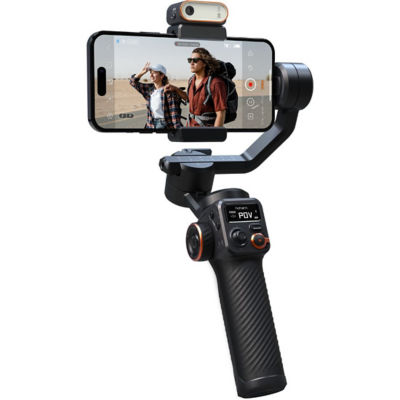
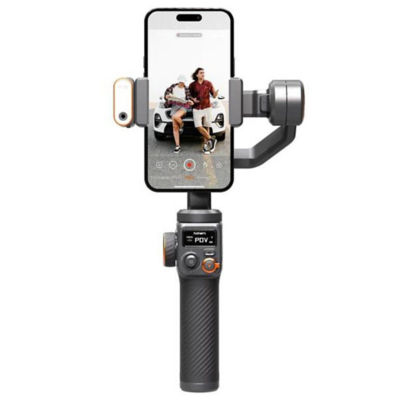


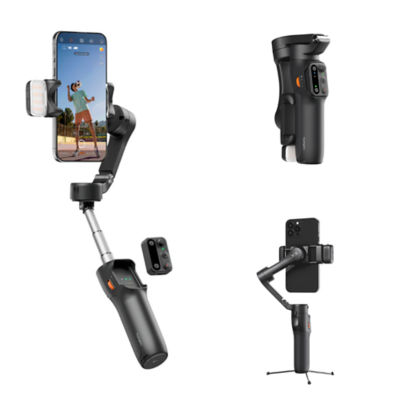
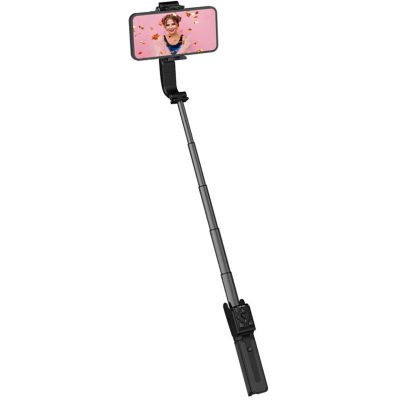


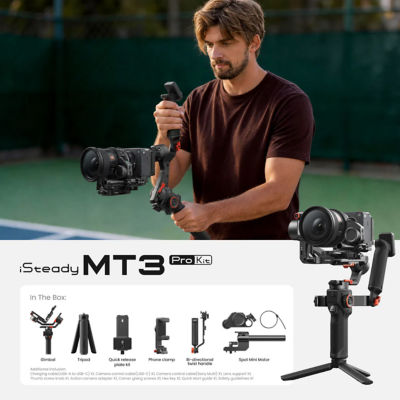
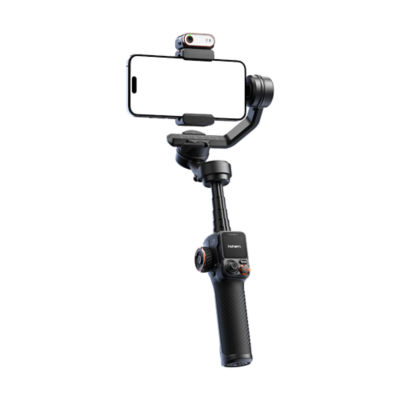
Learn more about the item
Upgraded Stabilization iSteady 7.0 Algorithm.
The newest iSteady 7.0 stabilization system takes your smartphone shooting to the next level, allowing you to create smooth on-the-move footage with ease. It is improved by 30% as anti-shake as the previous generation and has more powerful motors that operate more efficiently.
Lighter Weight Better Hold
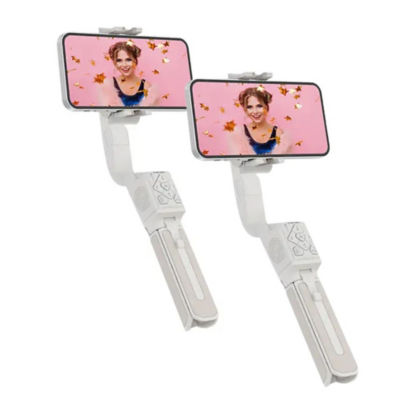
Weight 259g
This is the most lightweight.
3-axis smartphone gimbal for creators on the move.
As Compact as an iPhone
Tiny enough to fit in the pocket, so you can easily take it along for any adventure.
Carry Large Smartphone with High-Torque Motor
The motor torques have been improved by 30%, ensuring that your phone can stay where it needs to be, even when carrying larger smartphones.
Compatible with Almost All Sizes of Smartphone
iPhone, HUAWEI, Xiaomi, OPPO, VIVO...
Independently Magnetic Fill Light
Magnetic Installation
Cold/Warm/Natural White Light
10-Level Adjustable Brightness
Still works without being magnetized to iSteady XE
Simplified Control
Quickly enable Inception Mode (spin shot) by simply pressing the function button three times.
Quickly switch between Landscape and Portrait Mode by pressing function button once.
Quickly switch between gimbal modes (PF/PTF/L/POV) by simply pressing M button once
Motor Protection
The motor can be protected from damage caused by improper operation by having the gimbal powered off automatically.
Standard Accessory
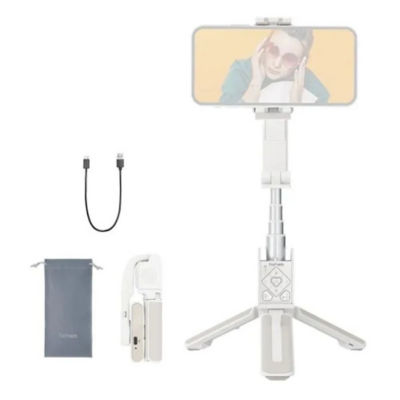
Tripod, Carrying Case, USB-C Charging Cable
M Button
Press and hold for 3s: Power on/off gimbal.
Press once: Switch between working modes (PTF-PF-L-POV)
Press twice: Standby mode (Press any button to exit)
Working Mode Indicator
Battery Level Indicator
Display gimbal mode: If one of working modes is in use, its mode light will be in solid green.
Display battery level: Long pressing Function button to check out battery level.
***Mobile Phone is not included***
The newest iSteady 7.0 stabilization system takes your smartphone shooting to the next level, allowing you to create smooth on-the-move footage with ease. It is improved by 30% as anti-shake as the previous generation and has more powerful motors that operate more efficiently.
Lighter Weight Better Hold
Weight 259g
This is the most lightweight.
3-axis smartphone gimbal for creators on the move.
As Compact as an iPhone
Tiny enough to fit in the pocket, so you can easily take it along for any adventure.
Carry Large Smartphone with High-Torque Motor
The motor torques have been improved by 30%, ensuring that your phone can stay where it needs to be, even when carrying larger smartphones.
Compatible with Almost All Sizes of Smartphone
iPhone, HUAWEI, Xiaomi, OPPO, VIVO...
Independently Magnetic Fill Light
Magnetic Installation
Cold/Warm/Natural White Light
10-Level Adjustable Brightness
Still works without being magnetized to iSteady XE
Simplified Control
Quickly enable Inception Mode (spin shot) by simply pressing the function button three times.
Quickly switch between Landscape and Portrait Mode by pressing function button once.
Quickly switch between gimbal modes (PF/PTF/L/POV) by simply pressing M button once
Motor Protection
The motor can be protected from damage caused by improper operation by having the gimbal powered off automatically.
Standard Accessory
Tripod, Carrying Case, USB-C Charging Cable
M Button
Press and hold for 3s: Power on/off gimbal.
Press once: Switch between working modes (PTF-PF-L-POV)
Press twice: Standby mode (Press any button to exit)
Working Mode Indicator
Battery Level Indicator
Display gimbal mode: If one of working modes is in use, its mode light will be in solid green.
Display battery level: Long pressing Function button to check out battery level.
***Mobile Phone is not included***

