#ALERT: Unauthorized sellers on marketplace platforms are impersonating iShopChangi. Please purchase only from our official website, iSho...
Show More
More








NINTENDO
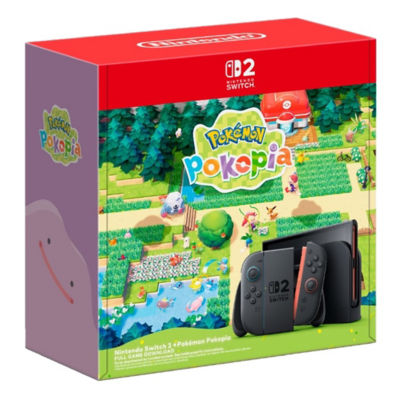
Nintendo Switch 2 + Pokémon Pokopia Bundle
Promotion
You Pay:S$723.85
Total Savings:S$65.15
GST Free:S$65.15
Estimated CR Points:
Earn 720 Points
Item is excluded from standard promo codes. More info here.
Colour
Shop from 30 days to 12 hours before your flight for Lotte and Shilla products. Some merchants may need up to 72 hours' notice. Collect your orders at the iShopChangi Collection Centre in the Departure transit area. Brand paper bags are not provided.
iShopChangi's Guarantee
 In-store price assurance
 30 days refund*
 Authenticity guaranteed
 Shop from 30 days to 12 hours before your flight for Lotte and Shilla products. Some merchants may need up to 72 hours' notice. Collect your orders at the iShopChangi Collection Centre in the Departure transit area. Brand paper bags are not provided.

Fulfilled by:
quantity
Promotions with this Item
Nintendo Desk Mat GWP
Spend a minimum of $500 on Nintendo Switch / Nintendo Switch 2 products in a single receipt and receive a FREE Super Mario Desk Mat!
Traveller: Spend $733.94, Get $45.87 Off
Spend $733.94 on Nintendo Products to receive a $45.87 off. The $45.87 discount will be applied at checkout once your cart meets the $733.94 threshold
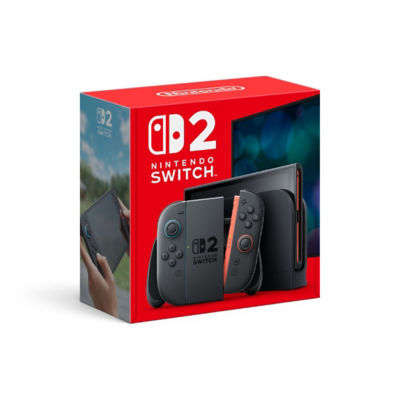
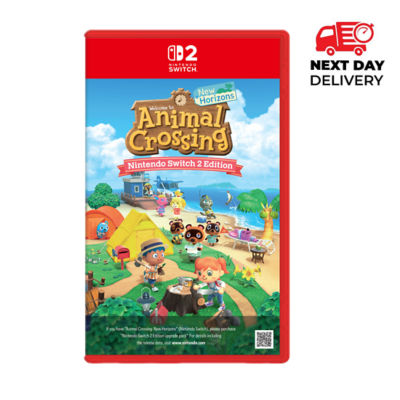
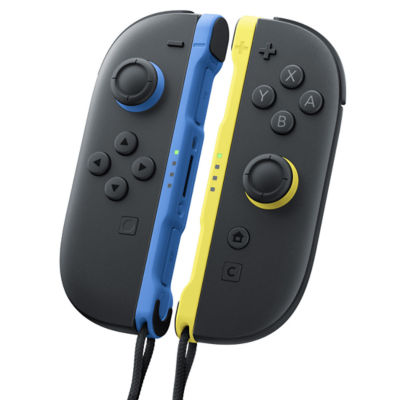
Customers who bought this also bought



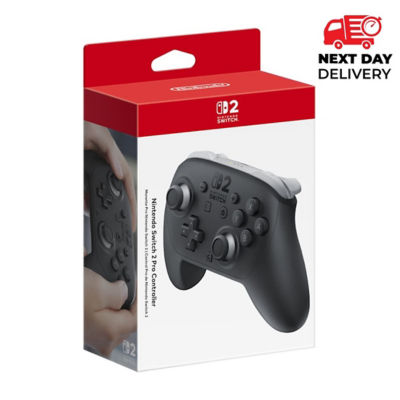
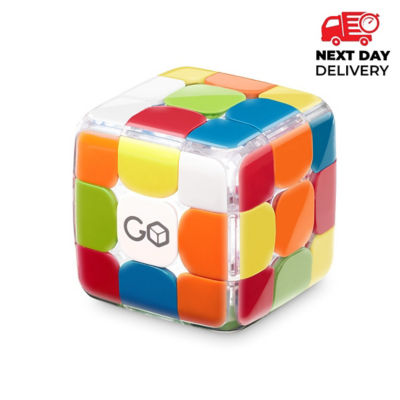
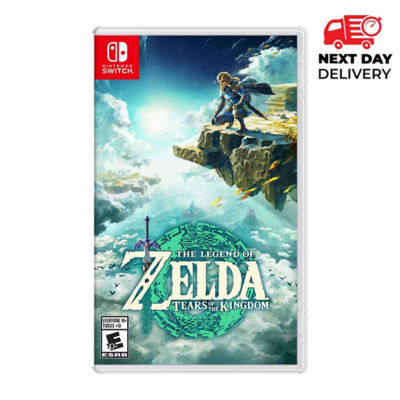
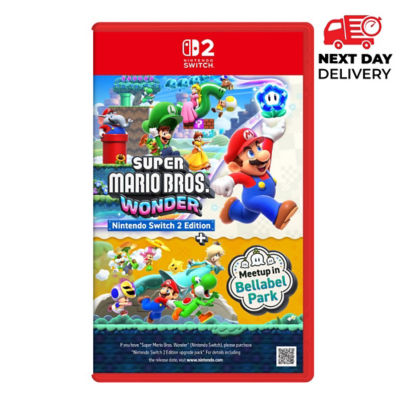
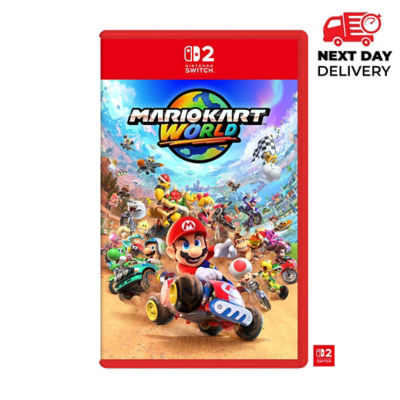
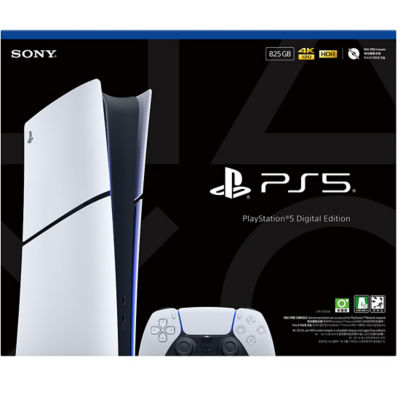
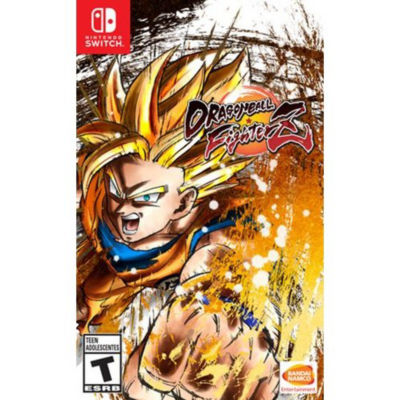
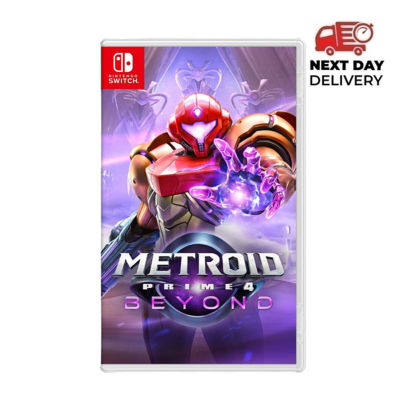
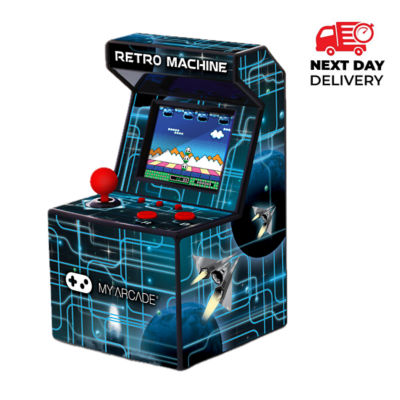
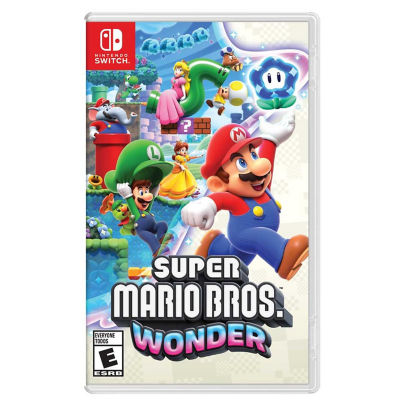
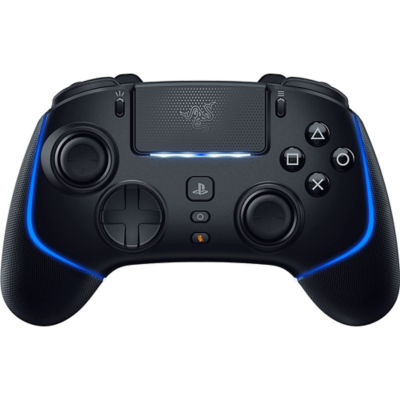
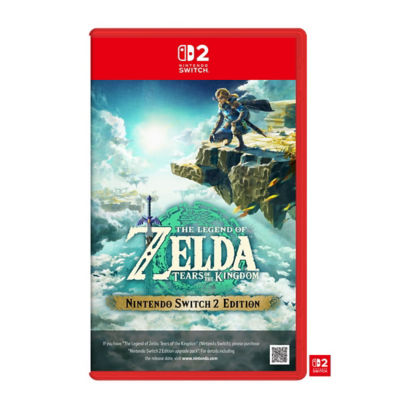
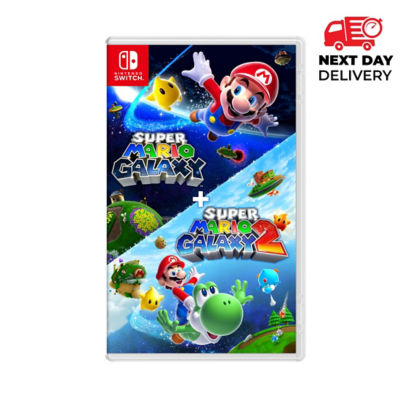
Learn more about the item
Important Information***
• No physical game cartridge or download code included. All Nintendo console bundle sets include the bundled game as a digital download only.
• Internet connection required. Connect the console to Wi-Fi during the initial setup.
• Download prompt. Once connected to Wi-Fi, the console will automatically prompt you to download the bundled game.
• Nintendo Account required. Sign in to your Nintendo Account before downloading the game.
• Set account region to Singapore. Ensure your Nintendo Account region is set to Singapore (For Overseas Customer - Region set to Singapore, Thailand, or Malaysia) to successfully download the bundled game.
• Please ensure you understand and accept these requirements before purchasing, especially if you are buying from overseas.
• No physical game cartridge or download code included. All Nintendo console bundle sets include the bundled game as a digital download only.
• Internet connection required. Connect the console to Wi-Fi during the initial setup.
• Download prompt. Once connected to Wi-Fi, the console will automatically prompt you to download the bundled game.
• Nintendo Account required. Sign in to your Nintendo Account before downloading the game.
• Set account region to Singapore. Ensure your Nintendo Account region is set to Singapore (For Overseas Customer - Region set to Singapore, Thailand, or Malaysia) to successfully download the bundled game.
• Please ensure you understand and accept these requirements before purchasing, especially if you are buying from overseas.
Bigger screen. Ultra-portable. Fan-favorite characters.
Whether you're a seasoned pro or picking up your first system, play and connect like never before on a Nintendo system.
One system. Different ways to play.
Experience games how you want, whenever you want with three play modes to choose from.
Handheld mode
Slim, portable design helps make it easy to bring your games with you, whether you’re on the go or lounging at home.
TV mode
Enjoy details in up to 4K* resolution when you connect the included dock to a compatible TV.
Tabletop mode
Pop the flexible kickstand on the back and hop into a multiplayer** gaming session with friends.
Meet the Joy-Con 2 controllers
Easy to use and comfy to hold, the included Joy-Con™ 2 controllers open up new ways to play.
- Snap controllers in place with the magnetic attachments and detach them easily by pressing the release button on the back.
- Use the controllers like a mouse on a table or your lap, opening up more ways to play in compatible games.
- Press the C button to open GameChat and start talking to friends and sharing your game screen in real time.
Hang out with your buddies—anytime, anywhere
GameChat*** lets you chat, share, and connect with friends near and far.
Get together at the push of a button
The C button to be exact. Look for it on the right Joy-Con 2 controller and give it a push to start your session.
Connect like you’re all together
The built-in mic auto-adjusts volume and filters out noises so your voice comes through loud and clear. You can even see your friends face-to-face by connecting the Nintendo Switch 2 Camera accessory**** or a compatible USB camera (each sold separately).
Play with people you know
GameChat sessions can only be started with people you’ve added to your Friend List. That way, game time stays safe and fun for the friends and family you choose to play with.
Whether you're a seasoned pro or picking up your first system, play and connect like never before on a Nintendo system.
One system. Different ways to play.
Experience games how you want, whenever you want with three play modes to choose from.
Handheld mode
Slim, portable design helps make it easy to bring your games with you, whether you’re on the go or lounging at home.
TV mode
Enjoy details in up to 4K* resolution when you connect the included dock to a compatible TV.
Tabletop mode
Pop the flexible kickstand on the back and hop into a multiplayer** gaming session with friends.
Meet the Joy-Con 2 controllers
Easy to use and comfy to hold, the included Joy-Con™ 2 controllers open up new ways to play.
- Snap controllers in place with the magnetic attachments and detach them easily by pressing the release button on the back.
- Use the controllers like a mouse on a table or your lap, opening up more ways to play in compatible games.
- Press the C button to open GameChat and start talking to friends and sharing your game screen in real time.
Hang out with your buddies—anytime, anywhere
GameChat*** lets you chat, share, and connect with friends near and far.
Get together at the push of a button
The C button to be exact. Look for it on the right Joy-Con 2 controller and give it a push to start your session.
Connect like you’re all together
The built-in mic auto-adjusts volume and filters out noises so your voice comes through loud and clear. You can even see your friends face-to-face by connecting the Nintendo Switch 2 Camera accessory**** or a compatible USB camera (each sold separately).
Play with people you know
GameChat sessions can only be started with people you’ve added to your Friend List. That way, game time stays safe and fun for the friends and family you choose to play with.
PageMetaconfiguration

