提醒:目前有商家未经授权冒用iShopChangi名义销售商品。iShopChangi仅通过官网iShopChangi.com及樟宜我爱购微信小程序销售,未授权任何其他渠道。请认准官方,谨防非正规渠道购买。

PageMetaconfiguration


1
6
21%折扣
SWITCHBOT
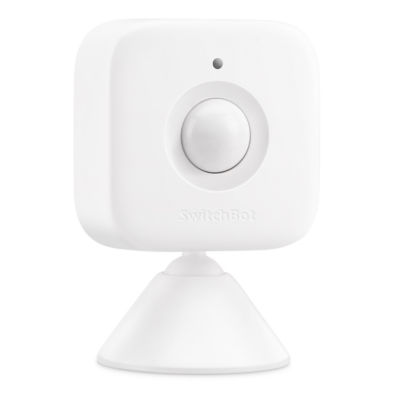
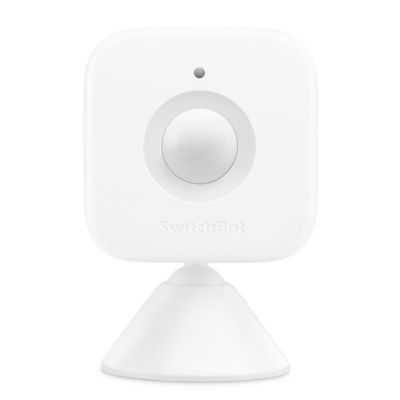
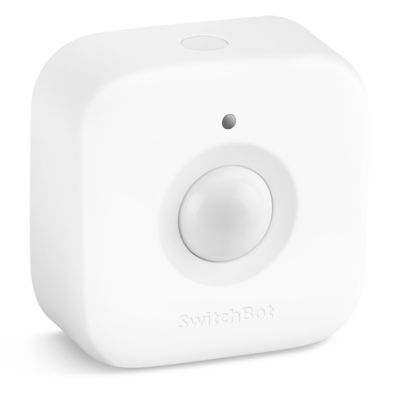
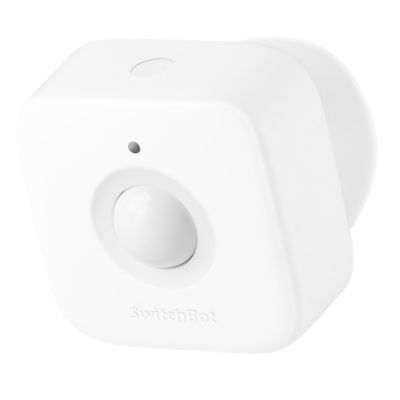
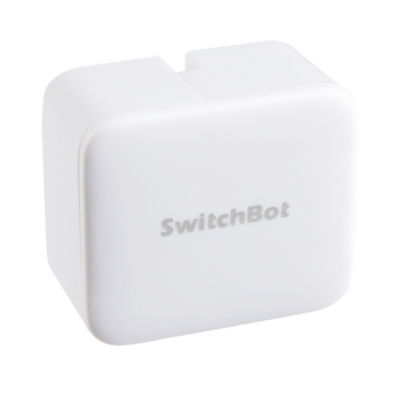
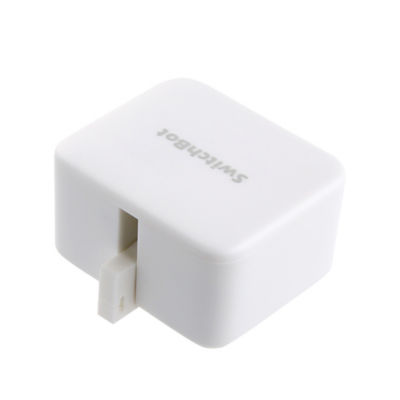
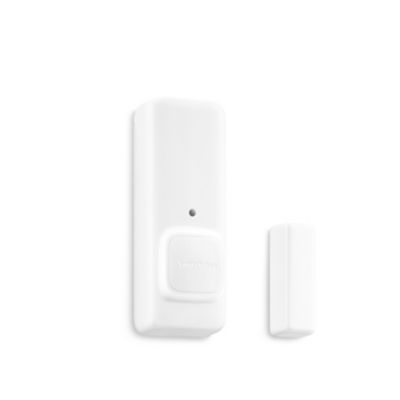
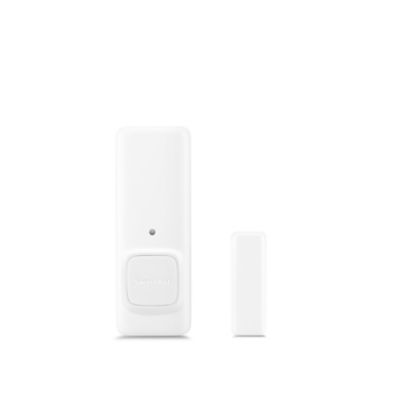
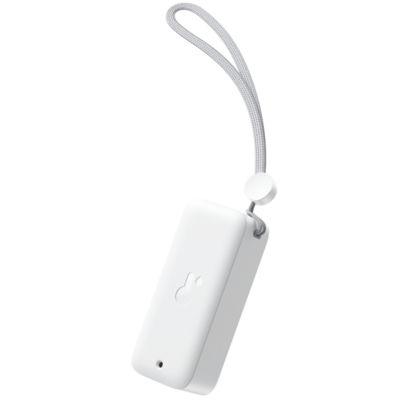
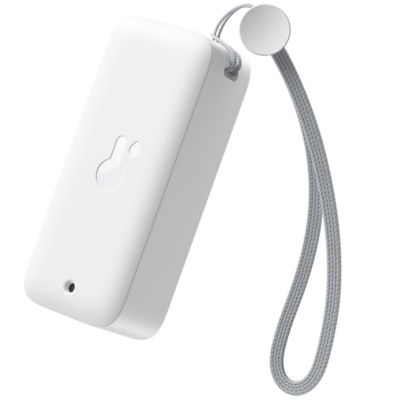
SwitchBot Motion Sensor White
预计樟宜奖励计划积分:
赚 30 积分
在抵达新加坡前 30 天至 72 小时内,或抵达后最多 30 天内下单,并配送至您在新加坡的地址。订单处理前,请上传抵达航班的登机牌副本以供核验。
S$30.00
S$38.00
数量
数量有限
在抵达新加坡前 30 天至 72 小时内,或抵达后最多 30 天内下单,并配送至您在新加坡的地址。订单处理前,请上传抵达航班的登机牌副本以供核验。
与门店同价保证
30日退款保证*
正品保证
发货单位:
S$30.00
S$38.00
数量
数量有限

 与门店同价保证
 30日退款保证*
 正品保证
正品保证
发货单位:

了解更多商品信息
A sensor that just makes sense.
SwitchBot Motion Sensor can detect body movement across a wider area range of up to 30 ft, at an angle of up to 110° horizontally, and 55° vertically. You can also set sensitivity settings to help make sure you’re always detecting the right things.
Lamp on, lamp off.
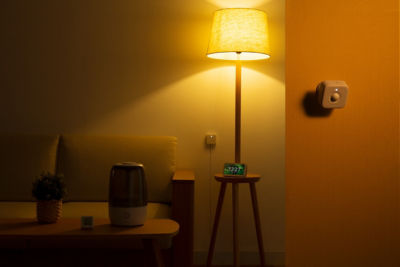
We’ve included a light sensor inside that can be used to detect what kind of light environment your surroundings are in. You can also define your light threshold to be bright or dark via our app. Then, when connected to SwitchBot Hub Mini, your Motion Sensor will be able to automatically turn your desk lamp on/off when it senses light.
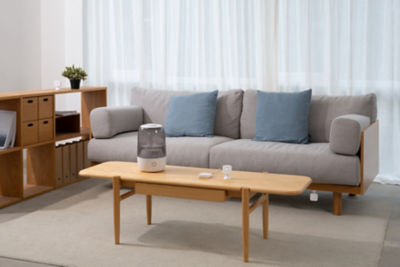
Place SwitchBot Motion Sensor anywhere in your home.
SwitchBot Motion Sensor can be placed anywhere in your home, either by using the magnetic base provided, or you can simply attach it to any flat surface using the adhesive pad provided. *Make sure the lens is facing towards the desired area and placed close to the edge of the table/shelf.
Get alerts straight to your smartphone.
When connected to SwitchBot Hub Mini, Motion Sensor will be able to send push notifications to your smartphone should someone enters your home when you’re not around.
Warranty period one year assurance from the date of purchase. If you have any concerns or questions about using SwitchBot products, please kindly send Feedback to our support via the Feedback tab (on the left side menu) in SwitchBot App.
Warranty period one year assurance from the date of purchase. If you have any concerns or questions about using SwitchBot products, please kindly send Feedback to our support via the Feedback tab (on the left side menu) in SwitchBot App.
SwitchBot Motion Sensor can detect body movement across a wider area range of up to 30 ft, at an angle of up to 110° horizontally, and 55° vertically. You can also set sensitivity settings to help make sure you’re always detecting the right things.
Lamp on, lamp off.
We’ve included a light sensor inside that can be used to detect what kind of light environment your surroundings are in. You can also define your light threshold to be bright or dark via our app. Then, when connected to SwitchBot Hub Mini, your Motion Sensor will be able to automatically turn your desk lamp on/off when it senses light.
Place SwitchBot Motion Sensor anywhere in your home.
SwitchBot Motion Sensor can be placed anywhere in your home, either by using the magnetic base provided, or you can simply attach it to any flat surface using the adhesive pad provided. *Make sure the lens is facing towards the desired area and placed close to the edge of the table/shelf.
Get alerts straight to your smartphone.
When connected to SwitchBot Hub Mini, Motion Sensor will be able to send push notifications to your smartphone should someone enters your home when you’re not around.
Warranty period one year assurance from the date of purchase. If you have any concerns or questions about using SwitchBot products, please kindly send Feedback to our support via the Feedback tab (on the left side menu) in SwitchBot App.
Warranty period one year assurance from the date of purchase. If you have any concerns or questions about using SwitchBot products, please kindly send Feedback to our support via the Feedback tab (on the left side menu) in SwitchBot App.

