




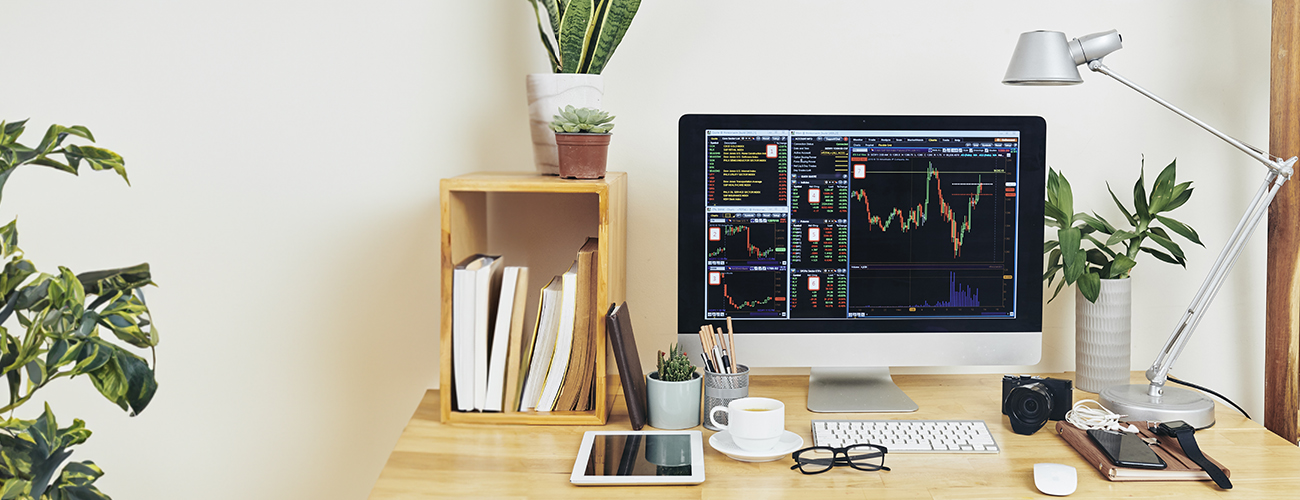
Turn Your Home Workstation Into a Personal Productivity Powerhouse
Cramped on the couch, sifting through emails? It’s time to redefine your WFH (Work From Home) saga with a touch of efficiency. Begin with these must-haves, including computer accessories and ergonomic furniture.
1. High-Performance Laptop or PC
A robust laptop or PC is crucial for a seamless WFH routine. Consider brands like LG, with their high-end capabilities that excel in daily remote tasks. Alternatively, switch to Razer or MSI that’ll transition to a zestful setup for after-hours gaming.
What to look for: High processing speed and ample storage.
2. Durable Keyboard
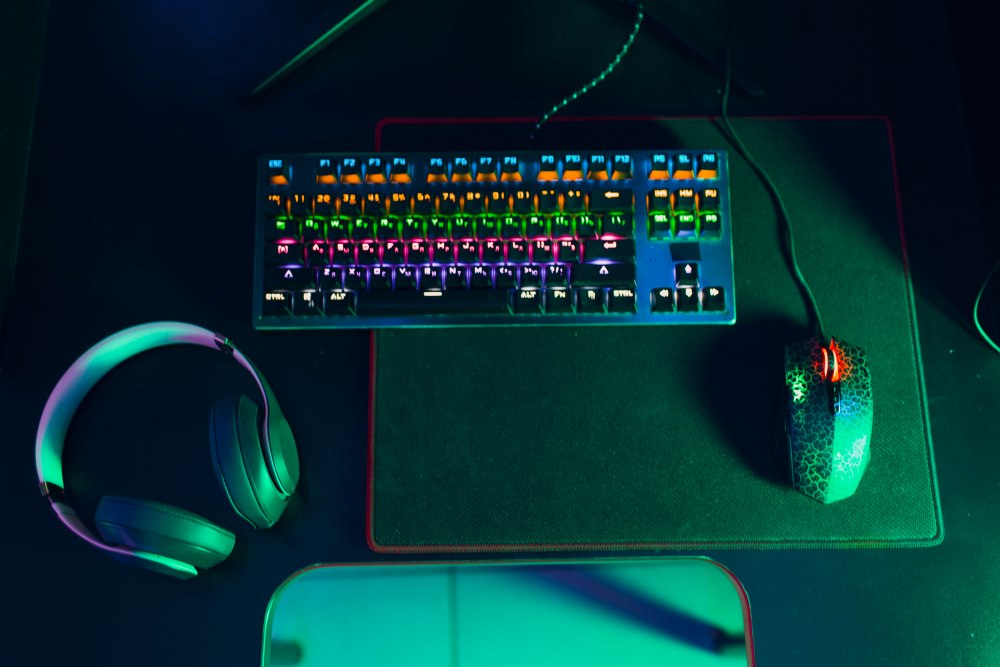
A good keyboard from a reliable brand like Targus offers a tactile feel for PC (or even laptop) users, while ASUS’ mechanical ones are a typist's delight.
Crave a whimsical touch? Razer’s gaming keyboard that boasts a suite of RGB effects adds colour to mundane tasks, making it both a functional and aesthetically pleasing accessory.
What to look for: Comfort, size and tactile experience.
3. Responsive Mouse
Let’s talk mouse — a reliable one can be a game-changer when it comes to your workflow. Work-ready Logitech mice boast silent, wireless operation, while the ergonomic charm of Razer and ASUS beckons, especially when paired with their keyboards.
What to look for: Comfort, precision, and system compatibility.
4. Crystal-Clear Monitor
A clear computer monitor is pivotal for maintaining a sharp focus on tasks. The seamless display and adjustability from LG and Samsung exemplify superior viewing comfort. Enticed by multitasking? Opt for a dual monitor setup or embrace the expansive vista of an ultra-wide screen.
What to look for: Vibrant resolution, adjustable stands, and expansive screen dimensions.
5. Sharp-Quality Webcam
A high-quality webcam isn’t just a computer accessory; it’s the ultimate upgrade you need to bid farewell to your laptop’s mediocre camera or to give a boost to those without a built-in one. Go for Logitech and Mazer for clear, crisp imagery, and robust low-light performance.
What to look for: Resolution, lighting correction, and a wide-angle lens.
6. Reliable Portable Storage
For data on the go, Sandisk USB drives and Transcend’s hard drives are lifesavers. Expand your devices’ storage effortlessly and access files anywhere, anytime.
What to look for: Memory capacity, speed, and durability.
7. Multi-Use Cables, Charging Adaptors & Powerbanks
Dependable cables and charging adaptors like those from Belkin and Targus eliminate the fuss in connecting and powering your devices of all kinds, ensuring a smooth work stream. When your devices thirst for more power, a reliable powerbank at your desk stands ready to quench, ensuring you remain connected through every task.
What to look for: Laptop compatibility, durability, and power output.
8. Robust Routers & Switches
For a home workstation, seamless ethernet dongles and mesh Wi-Fi routers are non-negotiable. Brands like TP Link and Linksys shine in providing uninterrupted internet connectivity and speed, crafting a solid backbone for your digital endeavours.
What to look for: Speed, range, and ease of setup.
9. Supportive Headphones & Earphones
For undisturbed calls and immersive sound, turn to Sony, ASUS or JBL for quality headphones and earphones. Their clear headset quality makes remote interactions feel almost in-person. And deciding between on-ear headphones or in-ear earphones is a breeze with our guide.
What to look for: Sound quality, comfort, and noise-cancellation features.
10. Versatile Desk
A versatile office table, like those from Ergoworks or Razer with ergonomic height options, adapts to your comfort to cultivate a healthy work posture. Turn the long hours into a breezy affair rather than a back-breaking marathon.
What to look for: Adjustable height, stability, and surface area.
11. Ergonomic Chair
Pair that desk with an ergonomic chair from the same brand. With lumbar back support, it's not just a seat, it's your spine’s day-long companion, making the work-from-home mantra less about aching backs and more about smashing tasks.
What to look for: Lumbar support, adjustability, and material.
Elevating Your Home Office Game
The normality of working from home has prompted a re-imagination of personal workspaces. Having a well-equipped home workstation is no longer a luxury, but a necessity for many jobs. Take a look at your current setup, identify missing computer peripherals or furniture, and make the upgrades. View our electronics buying guide to help you with your next purchase.
For fresh updates on deals, new arrivals and giveaways for the latest electronics in Singapore, like and follow us on @iShopChangi’s Instagram and Facebook pages.
YOU MAY ALSO LIKE

